Microsoft Office 2007
Microsoft Office 2007 Free Download for PC Windows 7/10/8, 32/64-bit introducing the new versions of Word, Excel, and PowerPoint

Safe & Secure
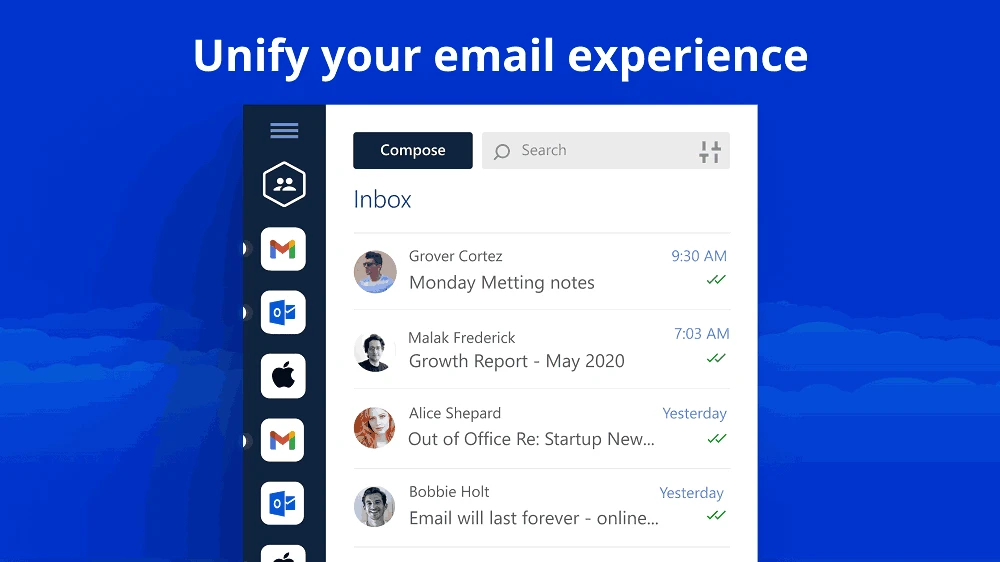
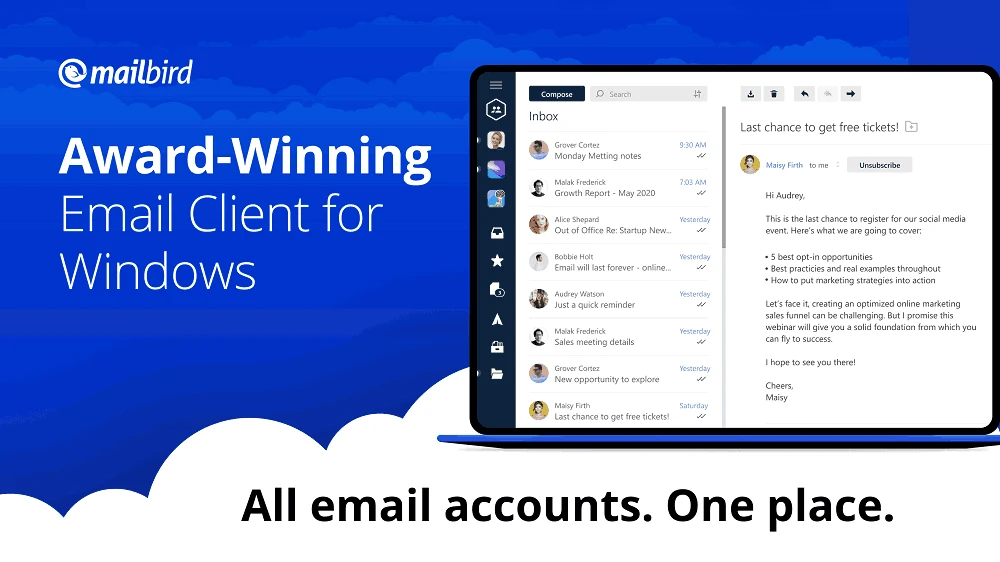
Mailbird is a comprehensive email client for Windows PC, offering a unified interface for managing all of your accounts and inboxes. It is highly customizable to enable users to personalize the appearance of the interface using multiple themes. The time-saving utility offers robust productivity through apps, features, shortcuts, and software upgrades.
The app needs to link at least one email account within a few clicks, and it starts syncing all of your emails. It sends notifications when you receive an email, and if you don’t want them, simply turn them off from the options menu.
Mailbird was launched in 2014 by Maryssael, falls under the Communications category, and is freeware software. It offers an official client for the Windows operating system, offering a streamlined and productivity-focused mail experience. It is one of the best alternatives to multiple other popular mail clients, such as Thunderbird.
You will find huge support for multiple mail clients, such as Gmail, Outlook, Yahoo, iCloud, Microsoft Exchange, and standard IMAP/SMTP and POP3 accounts. It offers robust functionality with a unified inbox, built-in integrations with popular collaboration and storage services, AI-assistant writing, email tracking, and so on.
The app offers a user-friendly interface to enable users to reliably navigate all functionality. All the menus, apps, and notifications are housed in the toolbar, located in the left panel. The list of emails is available in a large column, leaving the entire space empty to open an email. On clicking an email, the empty space will fill with the message, graphics, metadata, and menu controls. Add labels, download attachments, and reply to an email using the options from the upper right corner. It also offers integration with Gmail keyboard shortcuts, allowing users to access the features easily.
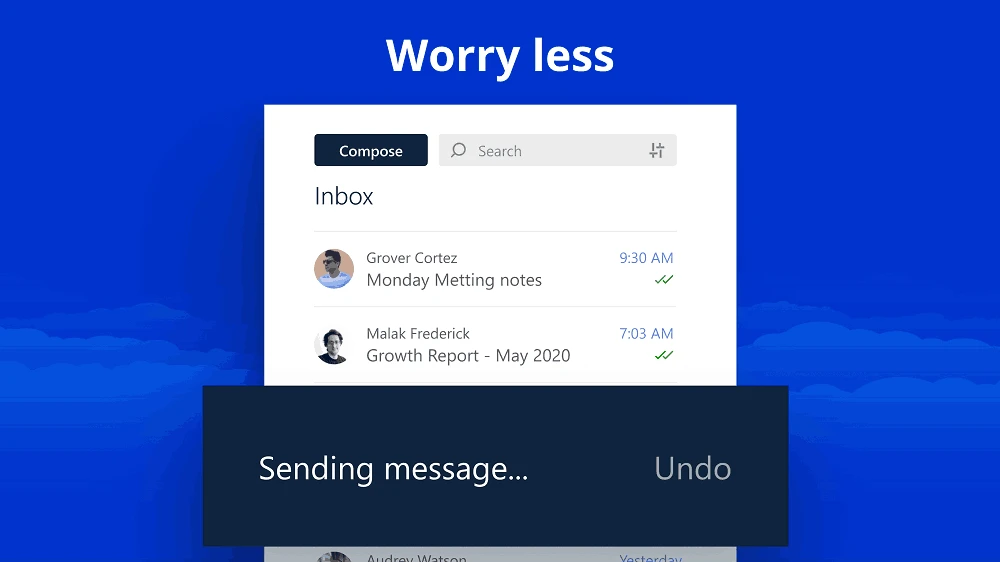
When you want to compose an email, simply click on the “Compose” option, and you are taken to a new compact window. It is embedded with full normal writing functionality, enabling users to select font size, color, and type. You can also align paragraphs, images, lists, or links. However, the app doesn’t have a search option for locating contacts. So, you need to install an additional app to open or locate the exact email address.
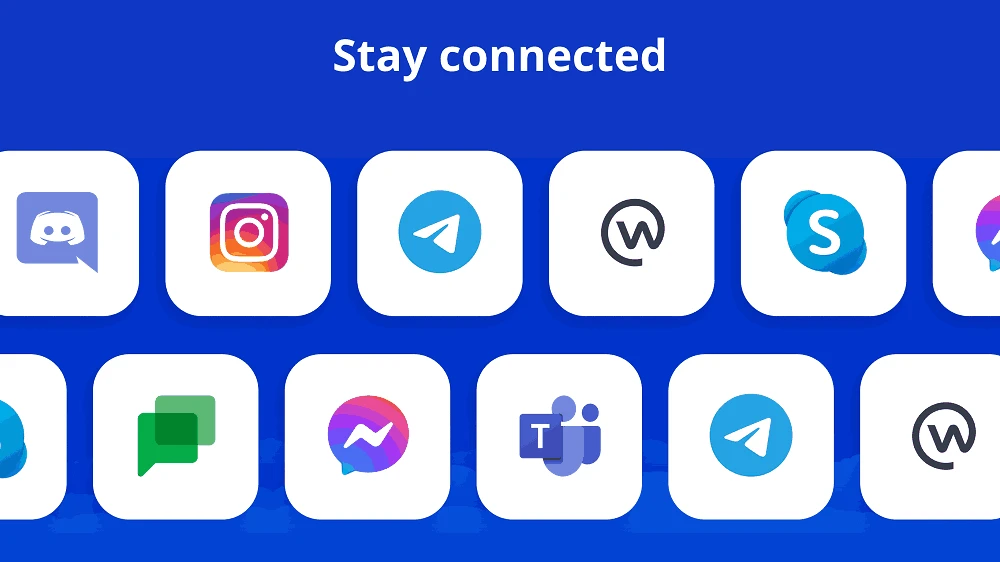
You will find seamless built-in app integration to enhance overall productivity, allowing users to stay connected with others. This distinctive functionality offers support for Dropbox, Google Drive, WhatsApp, Google Calendar, Twitter, Asana, Todoist, attachment search, and so on. It also includes links to technology publications as well. Most of the apps are available as relevant websites inside the client, instead of adapting each service to the app’s interface, reducing window switching.
Direct integration to multiple social media platforms, such as Facebook, LinkedIn, and others are available within icons on the interface, accessing them quickly to view emails send from them. It plays a bird chirp, in case of receiving and new email or notifications. However, you can turn off the bird chirp if you have frequent messages. It loads slowly at first, but offers a quicker speed when receiving a few messages simultaneously.
The app is also equipped with an AI email helper, integrating with writing tools to make your messages unique and impressive. It helps to create awesome drafts for your emails, and refine messages. In this way, you can accelerate composition and impress your recipients.
You can tailor the appearance and workflow to your preferences, as the app offers themes, layout, and workspace presets. You can personalize the mailing experience, using pre-selected notification sounds or customize your own desired sounds. Moreover, use the “Settings” menu to navigate to all customization options and make changes as you want.
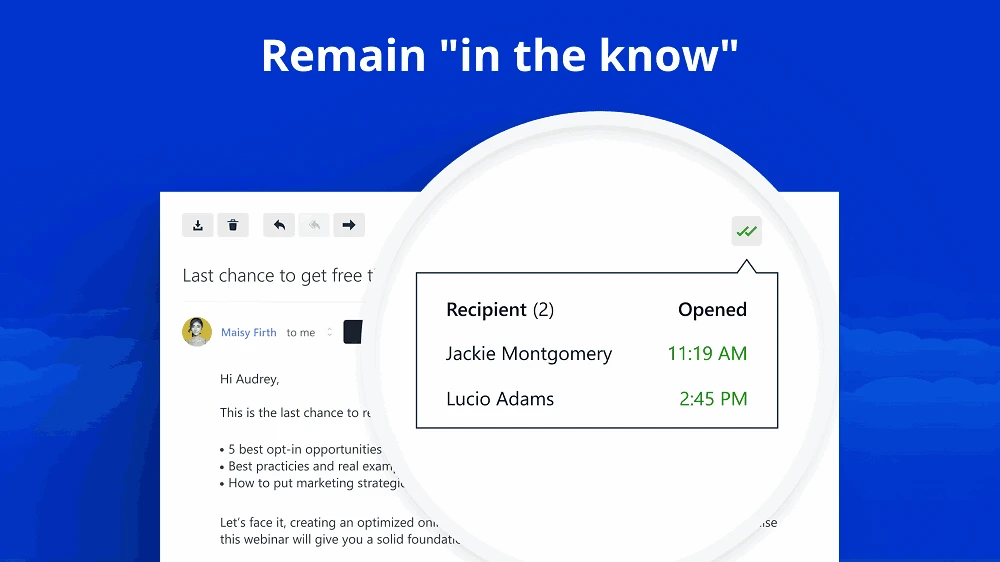
The app similar to other popular email clients, prefers the user privacy a lot, as it doesn’t scan the content of your emails, or store your data on servers. You will only the person, who can view and manage your inbox. Moreover, the app offers email tracking facility for the ease of users to follow-up timing, offering indicators for knowing when the recipient open messages.
The app offers seamless support for up to 17 languages across the world. So, you can easily change the language and use your own language to make your conversations simple and easily understandable. The app is available with a desktop-centric approach, specifically designed for users who are seeking a web-based email solution.
Pros
Cons

Microsoft Office 2007 Free Download for PC Windows 7/10/8, 32/64-bit introducing the new versions of Word, Excel, and PowerPoint

iLovePDF, the quick way of reading, editing, and converting PDF files

Microsoft Office 2010 has multiple editing and visualization features

Microsoft Excel has enhanced and powerful data-analyzing capabilities

Microsoft Office 2019 is a comprehensive suite of productivity apps

Microsoft Word is a powerful text tool for document creation, editing, and sharing